Office Lighting Design Standards and Recommendations
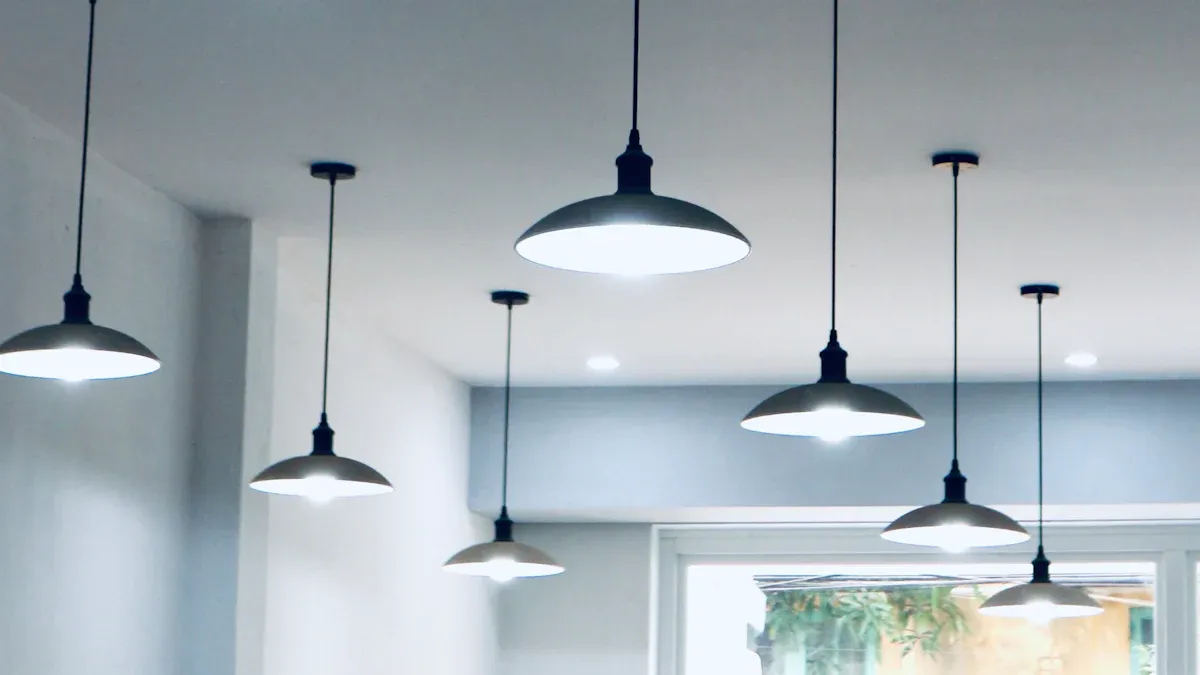
By mid-afternoon, Maria rubs her tired eyes and squints at her screen. Her headache started hours ago. She's not the only one. Nearly 68% of office workers deal with digital eye strain, and bad lighting often causes this discomfort.
What are the main rules and tips for office lighting? The answer mixes international standards like EN 12464-1 with smart design ideas. This guide covers exact lux levels for different tasks, glare control with UGR limits, color quality through CRI, and easy ways to put these standards into action.
Readers will get useful advice for facility managers, designers, and business owners. Good lighting design turns workplaces from places that cause tiredness into spaces that help focus and well-being.
Key Takeaways
Follow EN 12464-1 standards for office lighting. Aim for 500 lux at desks and a UGR below 19 to reduce eye strain.
Layer your lighting. Combine ambient, task, and accent lights to create a flexible and comfortable workspace.
Use smart controls and sensors. They save up to 40% energy and let workers adjust light to their needs.
Match light color to the time of day. Cool light in the morning boosts alertness; warm light in the afternoon maintains focus.
Prioritize vertical light in video conference rooms. It ensures faces look clear and natural on camera.
Core Standards for Office Lighting Design
The main guide for office lighting around the world is the European standard EN 12464-1. This standard sets clear targets that help designers and building managers create comfortable, productive workspaces. Knowing these numbers is important because they directly affect how people feel at the end of the day.
Lux Levels for Different Task Zones
Lux tells us how much light hits a surface. The EN 12464-1 standard sets different lux goals based on what people do in each area. For regular office work, the standard suggests about 500 lux at desk height. This level makes reading, writing, and using computers comfortable without straining the eyes.
Break rooms and rest areas need less light, allowing workers to relax and recharge without harsh brightness. For tasks that require sharp eyes, like detailed drawing or quality checks, designers should aim for 500 lux. Sometimes they need even more if there are other problems.
The 2021 update to EN 12464-1 added an important flexibility. When workers face issues like little natural light, poor eyesight, low-contrast materials, or long work hours, the standard says to increase brightness by one level. If there are several problems, increase by two levels. This approach knows that one-size-fits-all lighting does not work in real settings.
EN 12464-1 Parameter | Target Value for Offices | Purpose in Design |
|---|---|---|
Task illuminance | ~500 lx | Helps people see clearly without getting tired |
Glare control (UGR) | ≤ 19 for screen-based work | Stops discomfort and keeps focus |
Colour rendering (CRI) | Ra ≥ 80 (baseline), Ra 90 preferred | Makes materials and skin look natural |
Correlated colour temperature (CCT) | ~4000K neutral white | Gives clarity and attention without being harsh |
Vertical illumination | Added wall/face lighting | Makes the room feel brighter and helps communication |
Control systems | Daylight linking, presence detection, scenes | Saves energy while keeping comfort |
UGR Limits and Glare Control
Glare is more than just annoying. It causes discomfort, lowers focus, and makes workers squint or change position often. The Unified Glare Rating (UGR) gives a number to measure this problem. For office work with screens, EN 12464-1 sets a maximum UGR of 19. Lower numbers mean less glare and better visual comfort.
The Unified Glare Rating (UGR) is measured using the test standard from the International Commission on Illumination (CIE) and the International Organization for Standardization (ISO). This standard checks if products like monitors are truly glare-free in office-like settings.
Designers must think about several things that affect UGR values. How bright the light fixture is matters a lot. The angle at which light hits the eye also matters. Even the reflectiveness of walls, ceilings, and desks changes how much glare a person feels. A good lighting plan controls all these factors together.
Manufacturers now make products that meet these strict limits. Anti-glare track grille lights with carefully designed optics can direct light exactly where needed while reducing stray brightness, achieving UGR values that meet EN 12464-1 requirements. Good lighting design goes beyond just meeting the minimum numbers. The standard gives a starting point, but smart design considers how people actually use each space. A conference room needs different lighting than a quiet focus area. By understanding lux targets and UGR limits, facility managers can create spaces that support both productivity and well-being.
Key Principles for Visual Comfort
Balancing Illuminance and Luminance Distribution
Uniform brightness is more important than most people think. If a worker's eyes keep switching between bright and dark places, they get tired fast. The human eye works hardest when it must adjust to different light levels in the same area. Designers call this the luminance ratio.
The task area, where a person reads or types, should be the brightest spot. The walls and surfaces around it should be within a comfortable range of that brightness. A good rule is to keep the immediate surroundings notably darker than the task area, and the far background even less bright. These ratios keep the eyes relaxed and reduce strain.
Think of a desk lamp shining on paperwork while the rest of the room is dark. That strong contrast makes the eyes work too hard. Good lighting design avoids this by using many light sources. Ceiling lights give a base level, and task lights add focused brightness where needed. This creates a smooth change in brightness across the room.
Color Rendering Index (CRI) and Color Temperature
Color quality affects how people see their surroundings. The Color Rendering Index (CRI) measures how well a light shows colors compared to natural sunlight. A CRI of 80 is the minimum for office spaces. This level makes skin tones look natural and documents look clear. For places where color accuracy is important, like design studios or quality check areas, a CRI of 90 or higher is needed.
Color temperature affects mood and how awake you feel. It is measured in Kelvin (K). This scale tells if light looks warm (yellowish) or cool (bluish). Experts recommend cool color temperatures between 4000K and 6500K for offices. These cooler tones help you think clearly and feel less sleepy during the day.
Color Temperature | Effect on Alertness/Productivity | Recommended Application |
|---|---|---|
4200K | Aids concentration without causing eye strain; creates a comfortable and focused work environment | Primary work areas (workstations, open offices, large meeting rooms) |
6500K | Enhances alertness and supports high-precision tasks, but may cause eye strain with extended use | Technical rooms, quality control areas, document storage; avoid in shared workspaces |
A neutral 4000K setting works well for most office tasks. It gives clear light without the harshness of higher temperatures. Facility managers should think about adjustable lights that let workers change color temperatures during the day. This flexibility helps with focused morning work and afternoon teamwork.
Layered Lighting Design Strategies
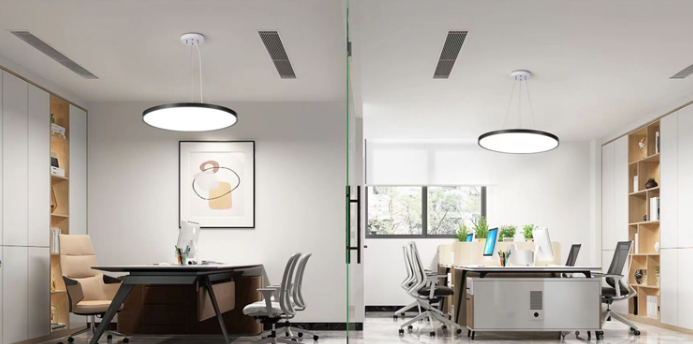
Good office lighting never relies on a single source. The best approach combines three layers that work together. Each layer serves a different purpose. Together they create a space that supports many types of work.
Ambient, Task, and Accent Lighting Integration
Ambient lighting forms the base layer. It provides even, glare-free illumination across the whole room. This reduces visual discomfort and sets a comfortable foundation. People can move around safely and see the room's general layout without straining their eyes.
Task lighting comes next. It puts focused light exactly where people need it. Desk lamps, under-cabinet lights, and adjustable spotlights all count as task lighting. This layer reduces eye strain and enhances focus. Workers can direct light onto their paperwork or keyboard without flooding the whole area with brightness.
Accent lighting adds the finishing touch. It creates depth and visual interest in the space. A well-placed accent light on a plant, artwork, or architectural feature improves mood and makes the office feel more engaging. This layer directly affects how people feel about their workspace.
Color temperature plays a big role in each layer. Warm light around 2700-3000K works well in break areas. It helps people relax during downtime. Cool light between 4000-5000K promotes alertness in task zones. This keeps workers focused during demanding hours.
Dimming controls add another level of flexibility. They let employees adjust light intensity to their personal preferences. This increases comfort and gives people a sense of ownership over their workspace. High-quality fixtures that mitigate glare and flicker reduce headaches and eye strain, directly boosting productivity. Biophilic design elements that mimic natural daylight patterns also support circadian rhythms and overall well-being. Good Lighting Design means thinking about how these three layers interact. The ambient layer should not compete with the task layer. The accent layer should not create glare. Each layer has its job.
Smart Controls and Automation for Flexibility
Smart controls take layered lighting to the next level. They let people adjust brightness and color temperature throughout the day. This flexibility matches the changing needs of different tasks and times.
One study found that automatic systems using occupancy sensors and personal controls achieved about 32% energy savings compared to conventional lighting. This happened even when the automatic system's installed power density was higher. Smart controls also improve employee satisfaction. People can customize their lighting to match their needs. This increases comfort and gives workers control over their environment. Human-centric systems that adjust color temperature and intensity to match circadian rhythms reduce eye fatigue. They improve sleep and alertness, which increases concentration and work performance. A Lawrence Berkeley National Laboratory study found that lighting management systems reduce energy use by 24-38%, lowering operational costs while maintaining a comfortable environment.
Smart ceiling lights with 2.4G remote and app control offer a practical example of this technology. Users can adjust brightness and color temperature from their phone or a remote. The lights are flicker-free, which reduces eye strain. They are also energy-efficient, which helps keep operating costs down. These smart features make it easy to implement layered lighting strategies. A facility manager can program different scenes for different times of day. Workers can override settings for their personal needs. The system learns patterns and adjusts automatically. This creates a workspace that adapts to people instead of the other way around.
Energy Efficiency and Human Well-being
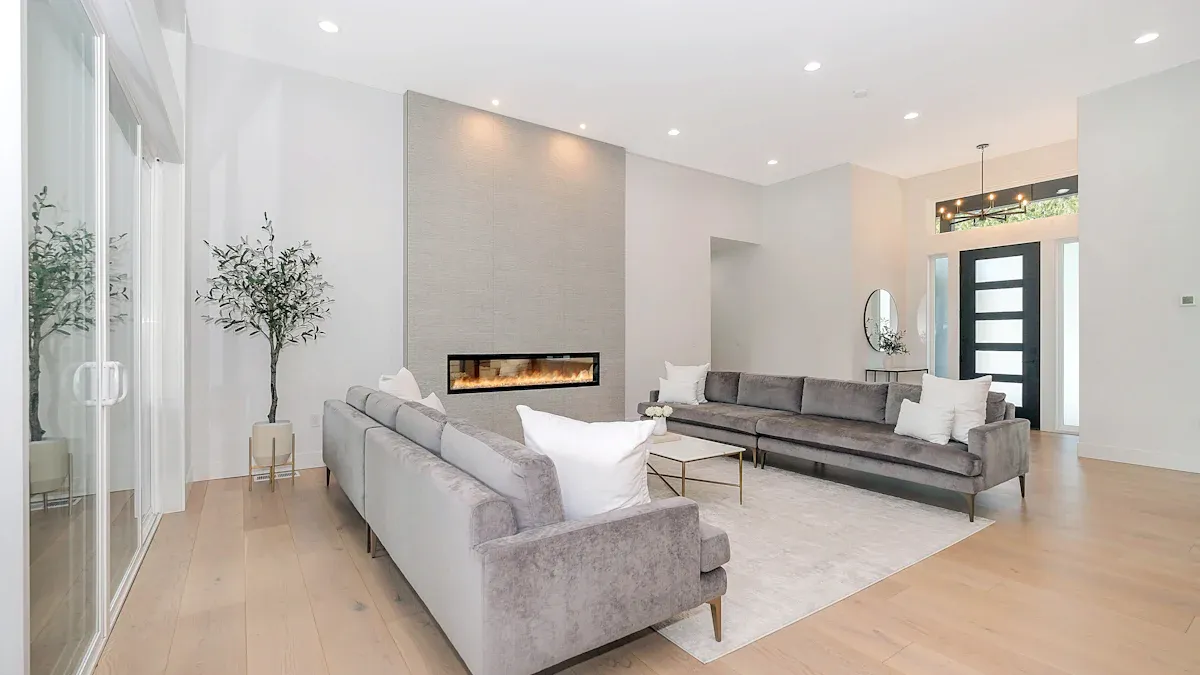
Circadian Rhythm Lighting for Productivity
The human body follows an internal clock called the circadian rhythm. This clock tells people when to feel awake and when to feel tired. Office lighting can help this natural cycle or work against it. Tunable white lighting systems change color temperature during the day to match what the body needs.
Morning light should be cooler and have more blue, around 6500K. This looks like natural daylight and tells the brain to wake up. Studies show that workers with this morning light experience improved cognitive performance and reduced fatigue compared to regular fluorescent lighting. The blue light stops melatonin, the hormone that makes people sleepy, so they stay alert without extra coffee.
As the day goes on, the light should become warmer. Moving from 5000K in the morning to 3000K in the afternoon helps maintain higher productivity after 2 PM. This slow change follows the sun's natural path across the sky. Workers with daylight-mimicking systems also sleep longer each night and report increased energy. Better sleep means sharper focus and fewer mistakes during work hours.
Daylight Harvesting and Occupancy Sensors
Daylight harvesting uses sensors to check how much natural light comes into a space. When sunlight is strong, the system dims the artificial lights on its own. When clouds cover the sun, it makes them brighter again. This method keeps light levels steady while saving energy.
Occupancy sensors take this further. They turn lights off when a room is empty and on when someone walks in. Together, these technologies can cut energy use significantly, with studies showing savings of 24-38%. That number means lower electricity bills and a smaller carbon footprint.
LED lighting uses much less energy than traditional bulbs, which lowers electricity costs and greatly reduces carbon emissions.
Advanced lighting controls let users adjust brightness, set lighting schedules, and automate responses to natural light, cutting unnecessary energy use while improving comfort.
For outdoor use, solar-powered wall washer lights show sustainable design in action. They use renewable energy and need no wiring, making them great for building facades and landscape features. Indoors, ultra-thin LED ceiling lights work well with smart sensors, giving efficient light that adapts to real-time conditions. This kind of thoughtful Lighting Design cuts waste while keeping employees comfortable and productive all day.
Lighting Design for Modern Office Types
Open-Plan and Private Office Solutions
Open-plan offices need a careful balance. Ceiling lights give the whole room a steady, even glow. This cuts down on harsh shadows and keeps brightness levels the same everywhere. Indirect lighting works especially well here. It bounces light off the ceiling or upper walls, which reduces glare and bright spots that bother people working on screens.
Task lights give each worker personal control. Adjustable desk lamps let people aim light exactly where they need it. Place these lamps away from screens to cut down on reflections. The table below shows recommended light levels for different areas.
Parameter | Recommended Value |
|---|---|
General office work | 500 lux |
Detailed or technical tasks | 500 lux |
Circulation and corridors | N/A |
Maximum UGR | 19 |
Private offices offer more flexibility. Adjustable layers work well for both focused work and meetings. A mix of ceiling lights, a desk lamp, and maybe a floor lamp creates options for different activities. Dimmers let the occupant shift the mood from bright and energetic to calm and relaxed.
Hybrid and Video-Conference Spaces
Hybrid spaces present a unique challenge. People on video calls need even, shadow-free lighting on their faces. Poor lighting makes participants look tired or washed out. It also distracts from what they are saying.
Vertical light matters more than horizontal brightness in these rooms. Light needs to reach the face from the front and sides, not just from above. This creates a flattering, natural look on camera. It also helps in-person participants read facial expressions clearly.
Recessed grille linear spotlights with anti-glare design keep UGR below 19, so people stay comfortable during long calls. The fixtures direct light precisely where needed without creating harsh reflections on screens.
Window treatments also play a role in hybrid spaces. Blinds or shades control natural light that might create harsh shadows on faces. Position workstations perpendicular to windows to avoid direct glare. This simple layout choice makes a big difference in how people appear on camera.
A layered approach works best across all office types. Combine ambient, task, and accent lighting to create flexible spaces that adapt to changing needs. Smart controls add another layer of convenience, letting users adjust scenes with a touch of a button.
The journey starts with EN 12464-1 numbers—lux targets, UGR limits, CRI values. Those standards form the baseline. But truly great office lighting goes further. It reduces fatigue, sharpens focus, and supports natural body rhythms.
Smart companies treat lighting as an investment in their people, not an expense. Workers who see clearly and feel comfortable produce better work. They complain less and stay longer.
Manufacturers build fixtures that meet strict standards while adding intelligent controls. Their anti-glare track grille lights and smart ceiling systems make compliance easy and comfort automatic.
Take action today. Walk through your office and compare what you see against the recommended levels. Consider a professional lighting audit. Your team deserves better than harsh glare and tired eyes.
FAQ
What is the main standard for office lighting design?
The key standard is EN 12464-1. It sets targets for brightness, glare control, and color quality. Most modern offices follow this guide to keep workers comfortable and productive.
How does UGR affect eye comfort in an office?
UGR measures glare from light fixtures. A lower number means less discomfort. EN 12464-1 recommends a UGR of 19 or below for screen-based work. This helps prevent headaches and eye strain.
Where do leading office lighting manufacturers typically operate?
Many reputable manufacturers operate factories in China, with over 19 years of experience. They test every product for quality, durability, and safety. Visit their factory introduction page to learn more.
Can smart controls really save energy in an office?
Yes. Occupancy sensors and daylight harvesting can cut energy use by 24-38%, as shown in studies. Smart systems also let workers adjust brightness and color temperature, which improves comfort and focus throughout the day.
What color temperature works best for general office work?
A neutral 4000K works well for most tasks. It gives clear light without feeling harsh. Some offices use tunable systems that shift from cooler light in the morning to warmer tones in the afternoon.